Managing users
How do I add new users and what access rights can I assign to them?
Adding users
You can add new users by clicking on Settings --> Users.
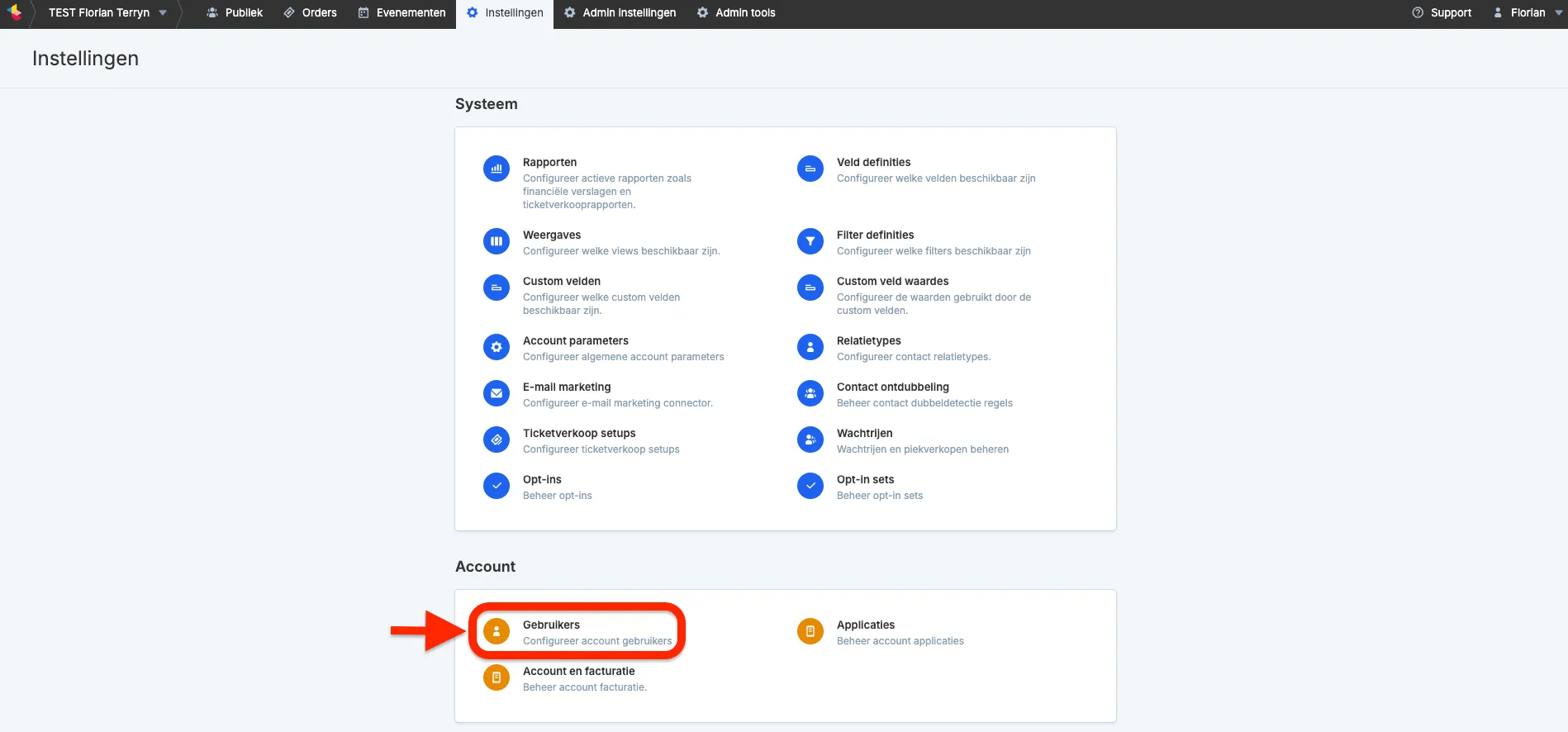
Don’t see Users in the dropdown? Then you do not have the rights to add users. Please contact your account administrator or support.
Next, click the Add user button.

In the next screen, you will define the email address and the access level.
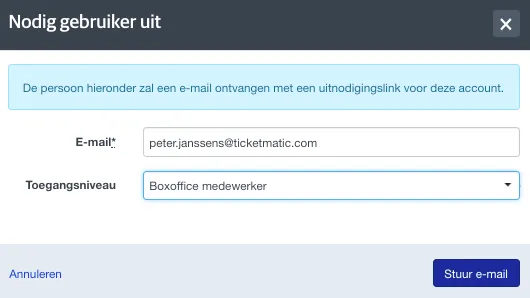
After that, the new user will receive an invitation to access the account.
If the email address is already known as a Ticketmatic user, the user will receive an invitation to gain access and will need to log in.
For a new user, they will first need to set up their name and login details.
Once the user is active, the invitation link will no longer work. From that moment, the user can log in via https://apps.ticketmatic.com/.
Password policy
Ticketmatic requires each user to use a strong password. Ticketmatic will score each password using following rules:
- a lower case character a-z is 1 point
- a digit or upper case character is 2 points
- a symbol is 3 points
A password should at least get a score of 16 to be considered strong.
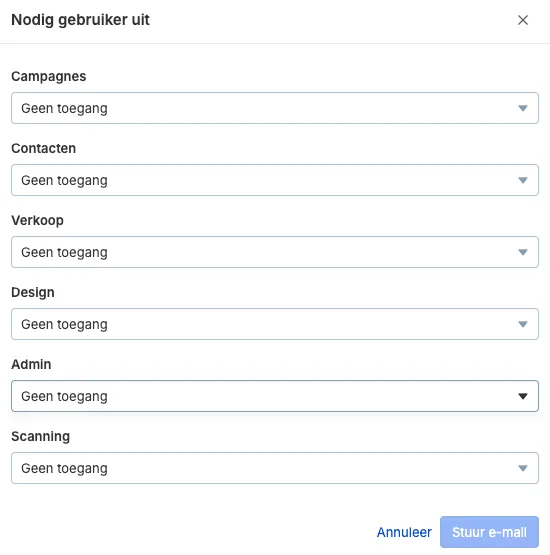
Assigning access levels to users
Below is an overview of all available access levels.
Deleting users
Deleting users that are no longer needed protects your system against unauthorized access to your data. You can delete users via Settings > Accounts > Users. Check the box next to the name of the user(s) you want to delete and click the 'Delete' button in the top right corner.