Payment methods
How do I manage the available payment methods in Ticketmatic?
Add a payment method
Go to Settings --> Payment methods
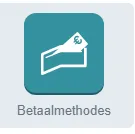
Click Add and specify which type of payment method it concerns.
Add a payment method for the back office
If you want to create an internal payment method for the box office, choose the type internal and give your payment method a name (optionally, you can also add an internal note for the users).

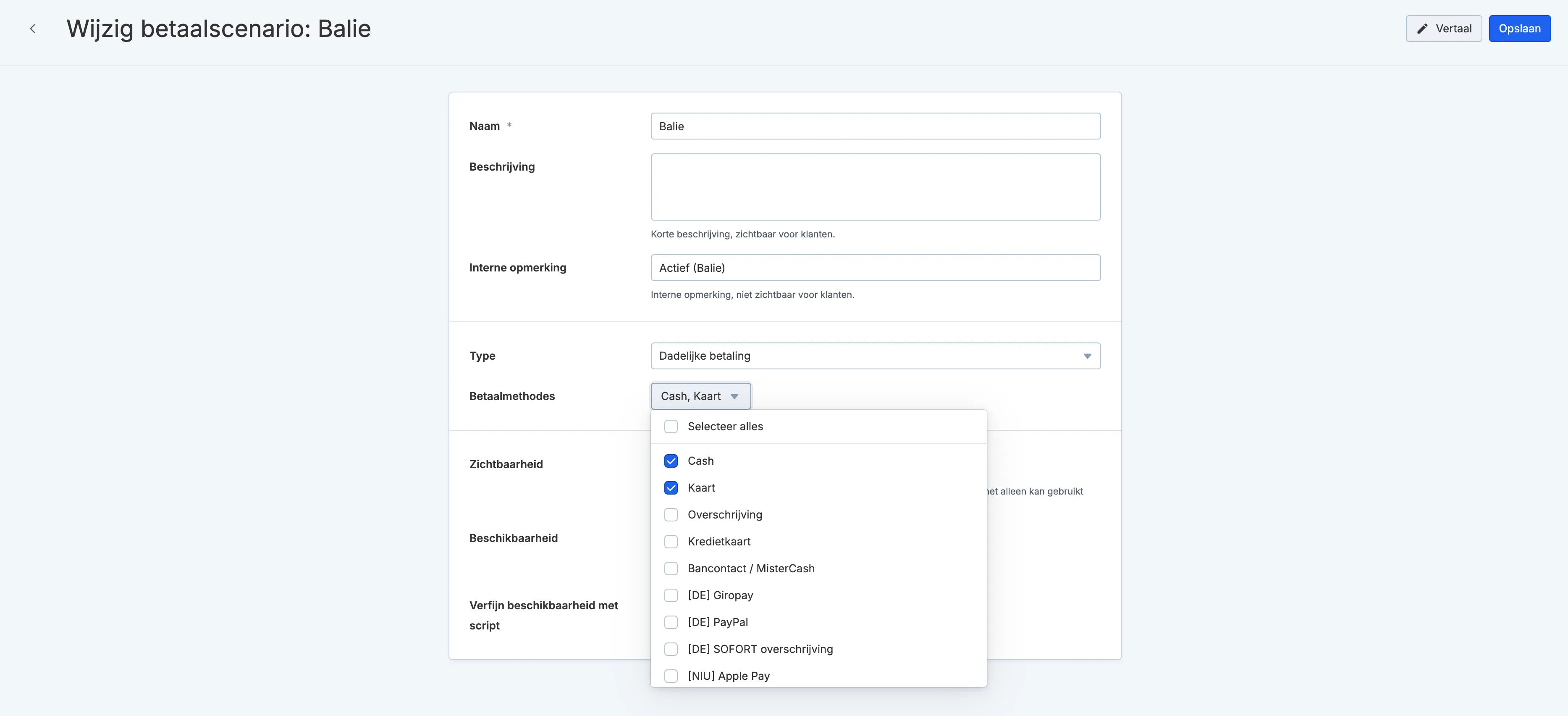
To make this internal payment method visible and usable for the box office, add the payment method to the payment scenario for the box office. To do this, go to Settings --> Payment scenarios --> open the desired payment scenario.
Find the newly added payment method among the payment methods and add it to the payment methods of your payment scenario.
Add an online payment method
If you want to create a payment method that is available online, select the correct type depending on the payment system you use. Request the API key and any other required details from your payment provider.
You can often find the API key in your already active online payment methods.