Relation types
How do I create and manage relation types?
Creating relation types
As an organization, your customer database may include different types of contacts (press, municipalities, volunteers, etc.). With relation types in ticketmatic, you can easily categorize these contacts and further segment them for targeted communication and management.
You can define which different relation types you want to use via Settings --> Relation types.
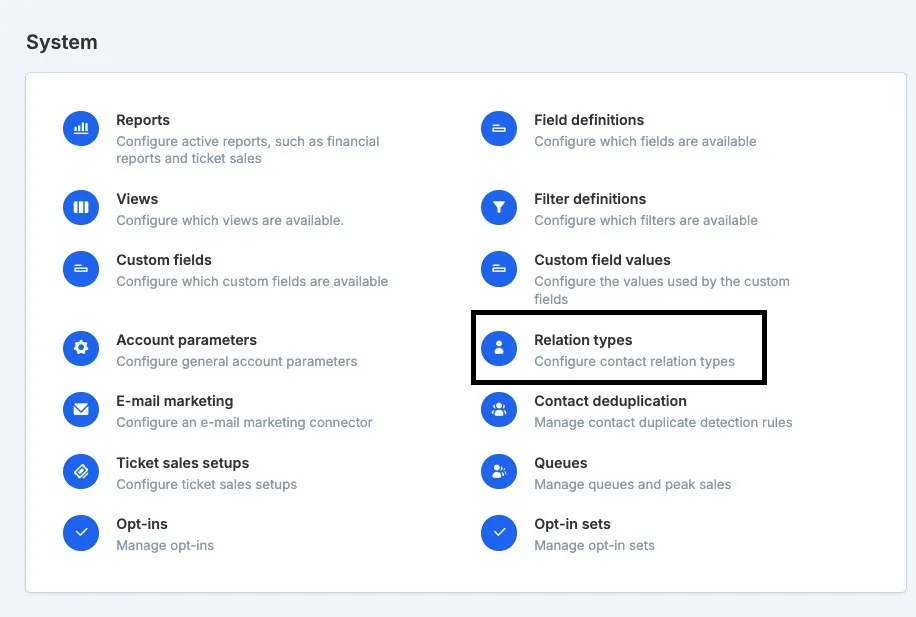
Click Add in the top right to create a new relation type.
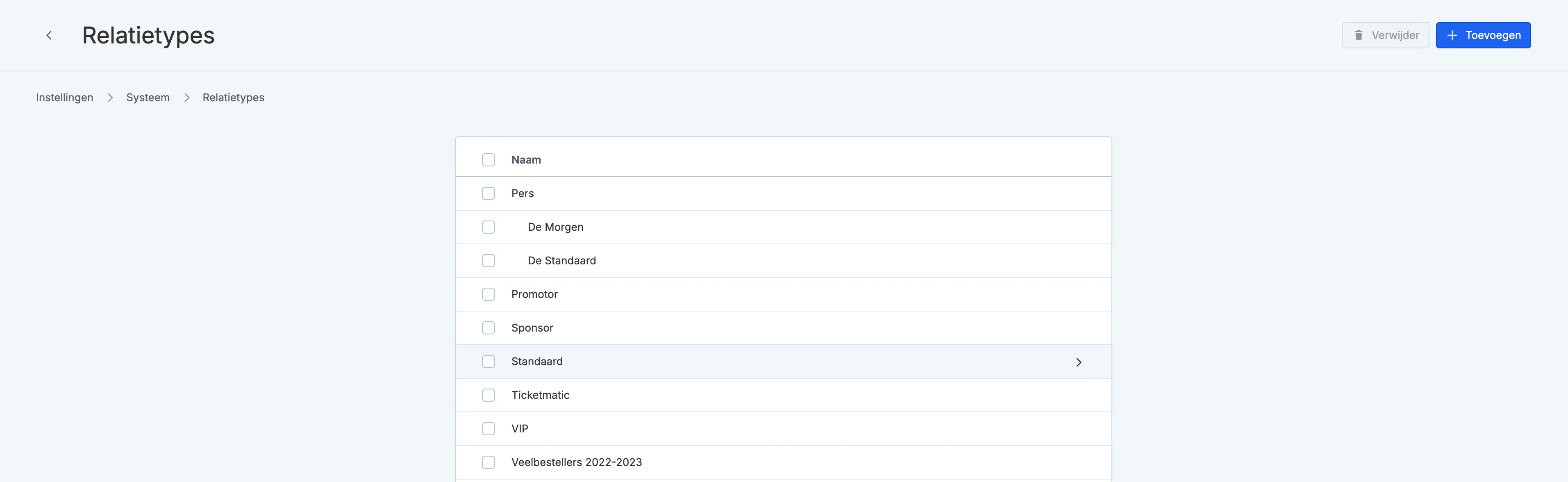
Then, you can set the Name and the Parent. Using the Parent field, you can create a hierarchy among the different relation types, helping you build a clear structure.
Example:
Relation type: "De Morgen"
Parent: "Press"
If you filter the contact list by relation type "Press," all contacts with a relation type that has "Press" as Parent will also be shown, such as "De Morgen."
Note: further hierarchy levels are not recognized during filtering. Example:
- De Morgen
- Parent: Newspapers
- Parent: Press
When you filter the contact list by the parent "Press," all contacts with a relation type that has "Press" as Parent will be shown, such as "Newspapers." Contacts with only the relation type "De Morgen" will not be shown in this case.
Please contact support if you have questions about this.