Custom field values
How do I set custom field values?
For some custom fields, such as the genre or season that you enter for an event, you have the option to choose from different predefined values. If you want to add new options, go to Settings --> Custom field values.
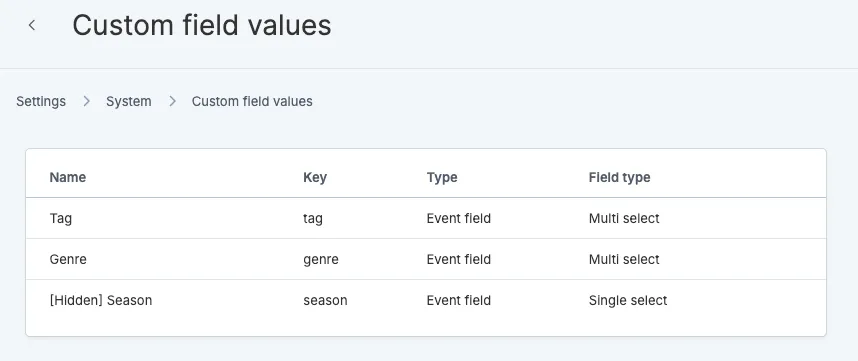
Add new values
To add a new option, click on the desired custom field and add a new option.
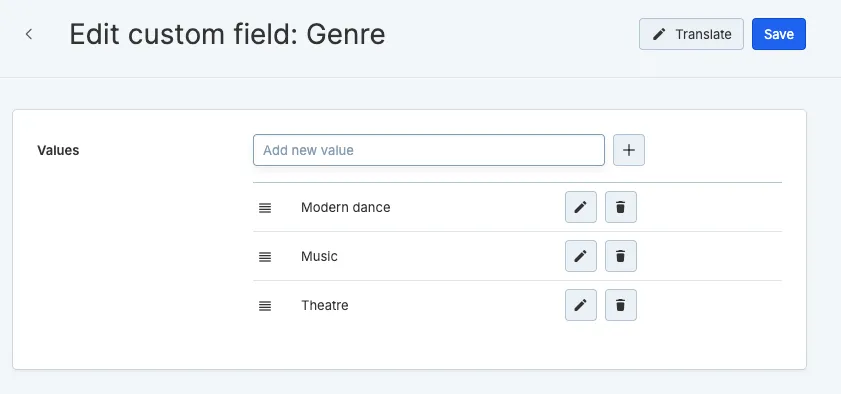
Afterwards, you will immediately be able to use this value on the event page or in a filter.
Would you like to add an additional custom field? Please contact support.