Views
How do I create and manage views?
In various tabs within Ticketmatic, you can use views to display and export information from Ticketmatic in different ways. As a user, you have the ability to create and customize views as you like.
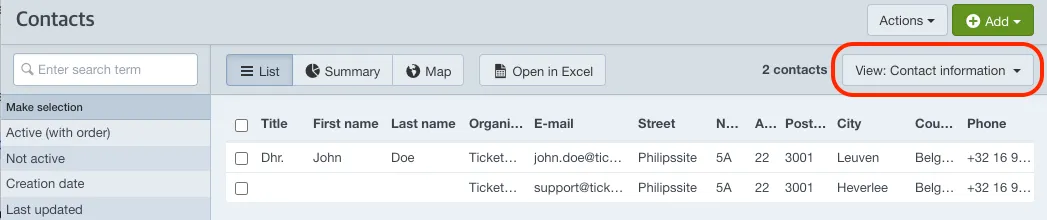
Add a new view
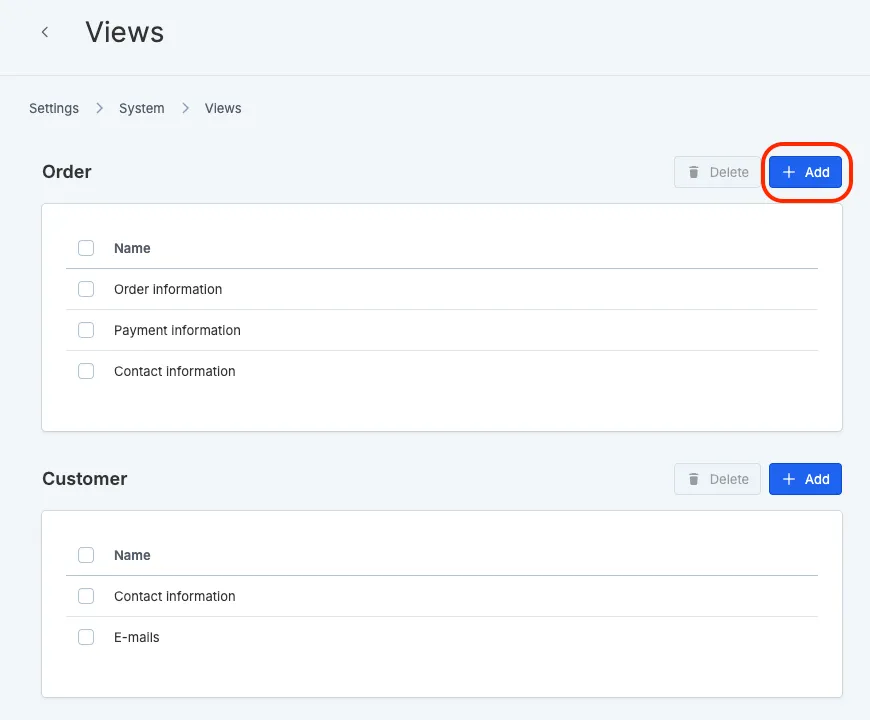
Go to Settings --> Views and choose the category where you want to add the view. Click Add.
Choose a name and select the columns you want to display in your view.
Would you like to add a column that isn’t listed among the options? Please contact support.
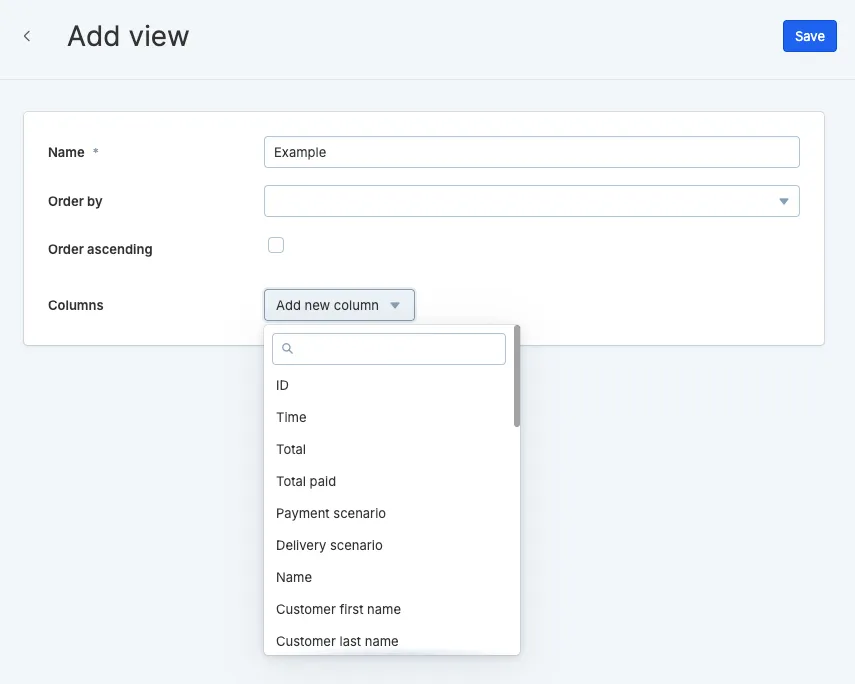
Optionally, you can select a column to sort the view by choosing the desired column under Sort by.
Now click Save in the top right. The view will now be available in the tab where you created it.
With the open in Excel button, you can easily export your views as a .xlsx file.