Adding payments to an order
How can I add a payment to an order?
Once you’ve added tickets, products or bundles to an order, you can immediately add a payment. Use the Add payment button to do so.

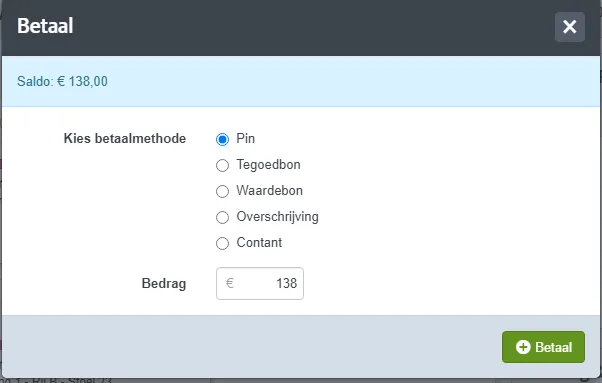
You’ll then see an overview of all available payment methods in the box office. You can choose from two types of payment methods:
- Internal payment method Methods that can only be used via the box office.
- Payment voucher Pay using a voucher (gift card or credit note) sold via ticketmatic.
Adding a payment using an internal method
With an internal payment method, you define the amount yourself, so it’s possible to split the payment across multiple methods. To do so, simply repeat the action for each part of the payment.
Adding a payment using a payment voucher
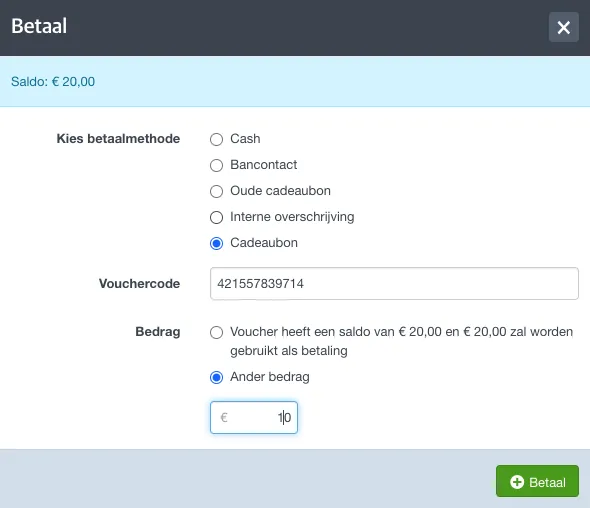
To add a payment using a voucher, select this method from the list and enter the unique voucher code.
With a payment voucher, you can also set the amount yourself. Choose whether to use the full amount or enter a different amount.