Sales via quick sales
How can I quickly sell tickets using the quick sales module?
The quick sales module is specifically developed to increase the speed of ticket sales via the back office. This module is mainly used at evening box offices, where end customers pay and receive their tickets immediately.
Through quick sales, you can sell tickets for events (seated and unseated), products and vouchers. Bundles cannot be sold via quick sales.
Quick sales configuration
In the orders section, you’ll find the option to access quick sales.

When you click on quick sales, the next screen allows you to select the event(s) of the day. Click on Add events.
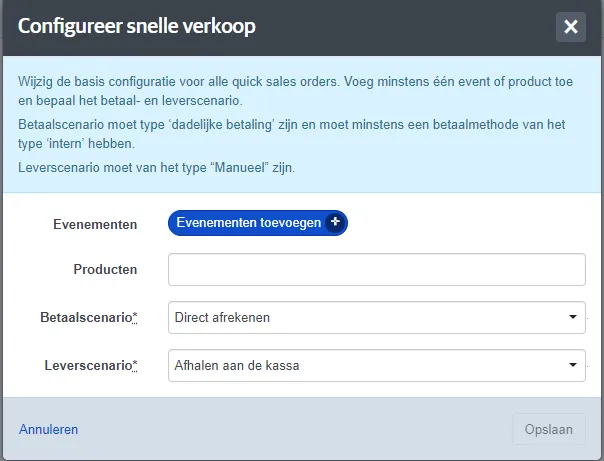
Then select the desired event(s) and click Apply.
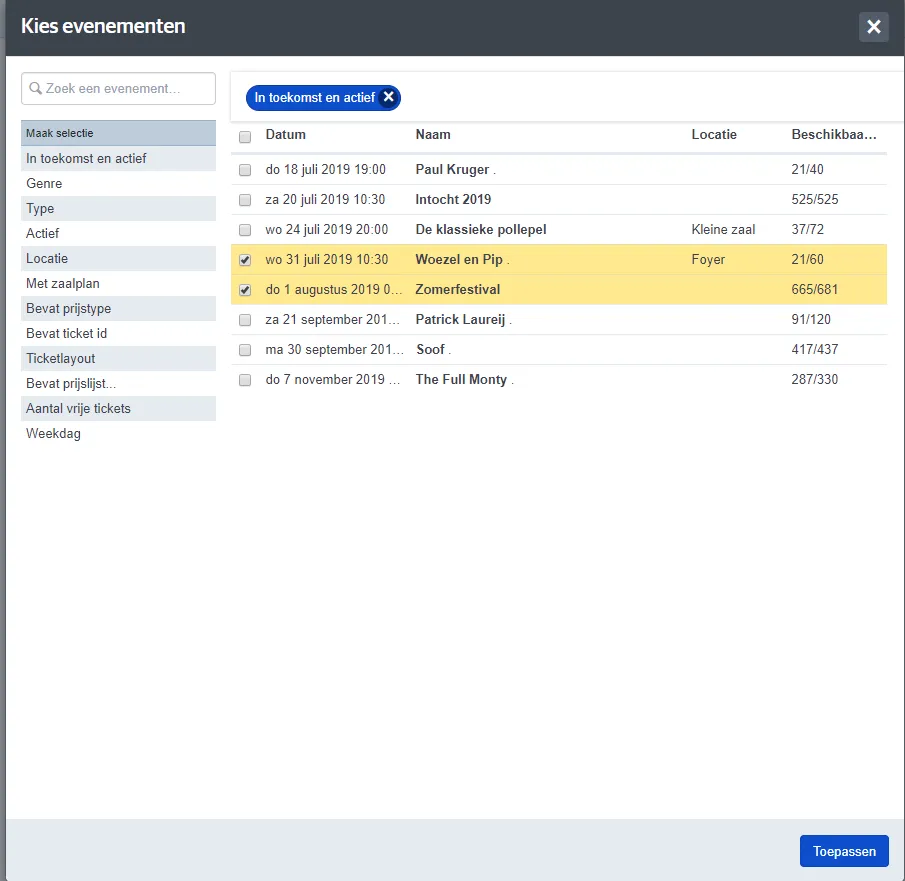
Both events are now saved in quick sales. Next, select the most used payment scenario and delivery scenario. You can also add a product that is often sold in combination with these events.
Click Save to complete the quick sales setup.
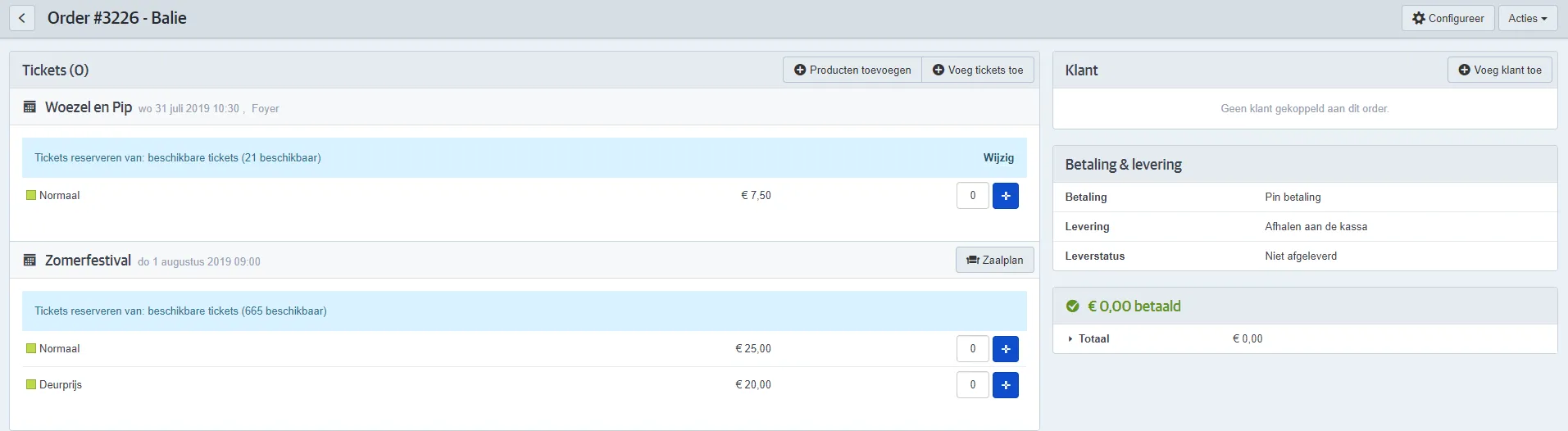
Selling via quick sales
You can now quickly create an order by entering the desired number of tickets, adding the customer information, and applying the payment.
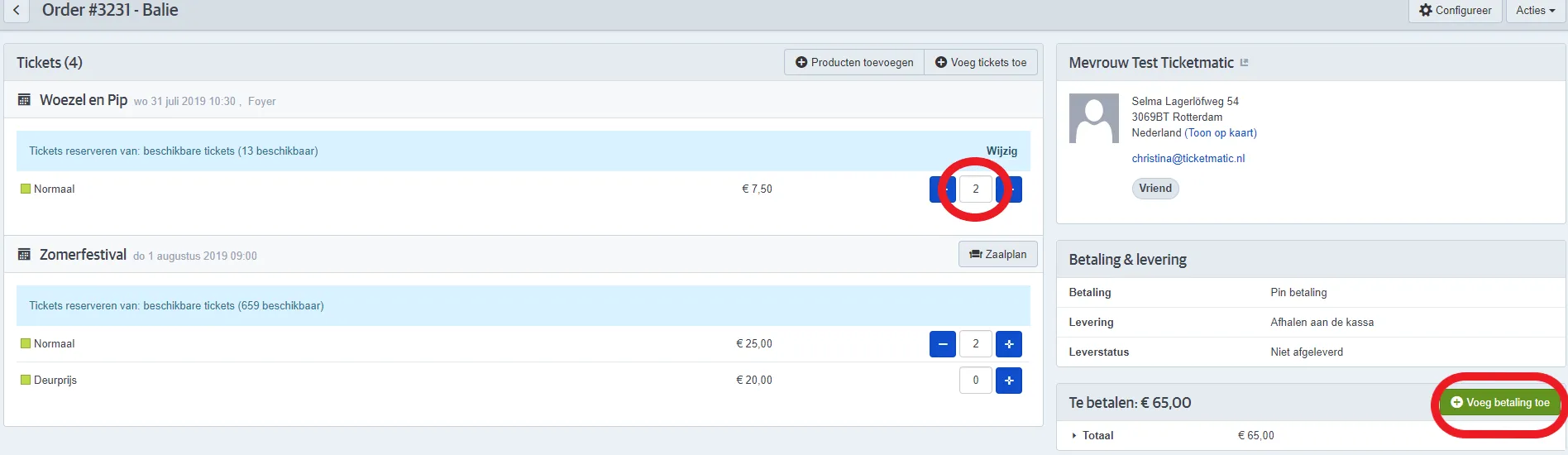
Then click Close and the tickets will be printed.
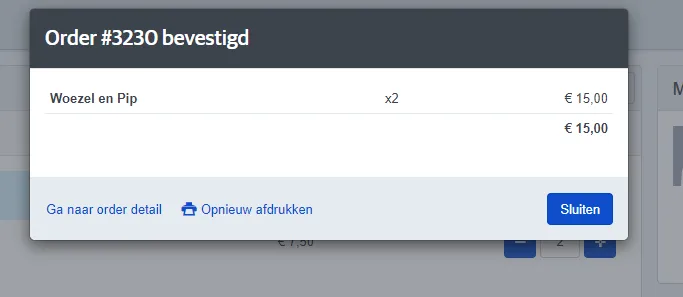
The order is now completed, and you’ll return directly to the sales screen with the previously selected events. You can immediately create a new order.
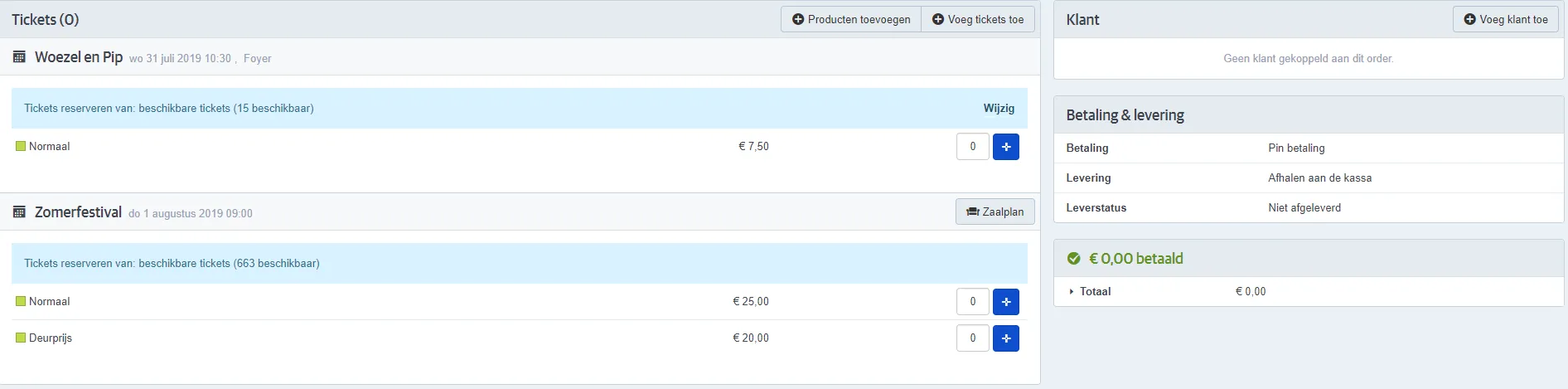
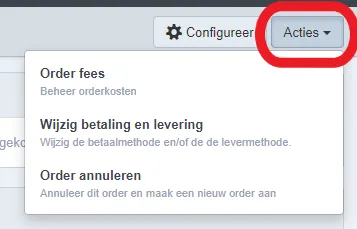
If the customer wants to use a different payment or delivery scenario, you can easily change this via Actions.
Requirements
There are some requirements when you want to use Quick sales:
- You need at least 1 active delivery scenario of type Manual
- You need at least 1 active payment scenario of type Immediate with at least 1 payment method of type Internal
- You should desactivate sending an automatic confirmation mail for the saleschannel Desk (this is necessary because if this is activated, you will need to fill in a customer with a valid e-mail address for each order)