Finding a deleted order
How can I retrieve a deleted order?
In some cases, an order can be automatically deleted, for example due to late payments. These orders will no longer appear in the list view. If you still want to view the content or log of such an order, you can do so using the order number. This number can usually be found in the emails sent to the customer.
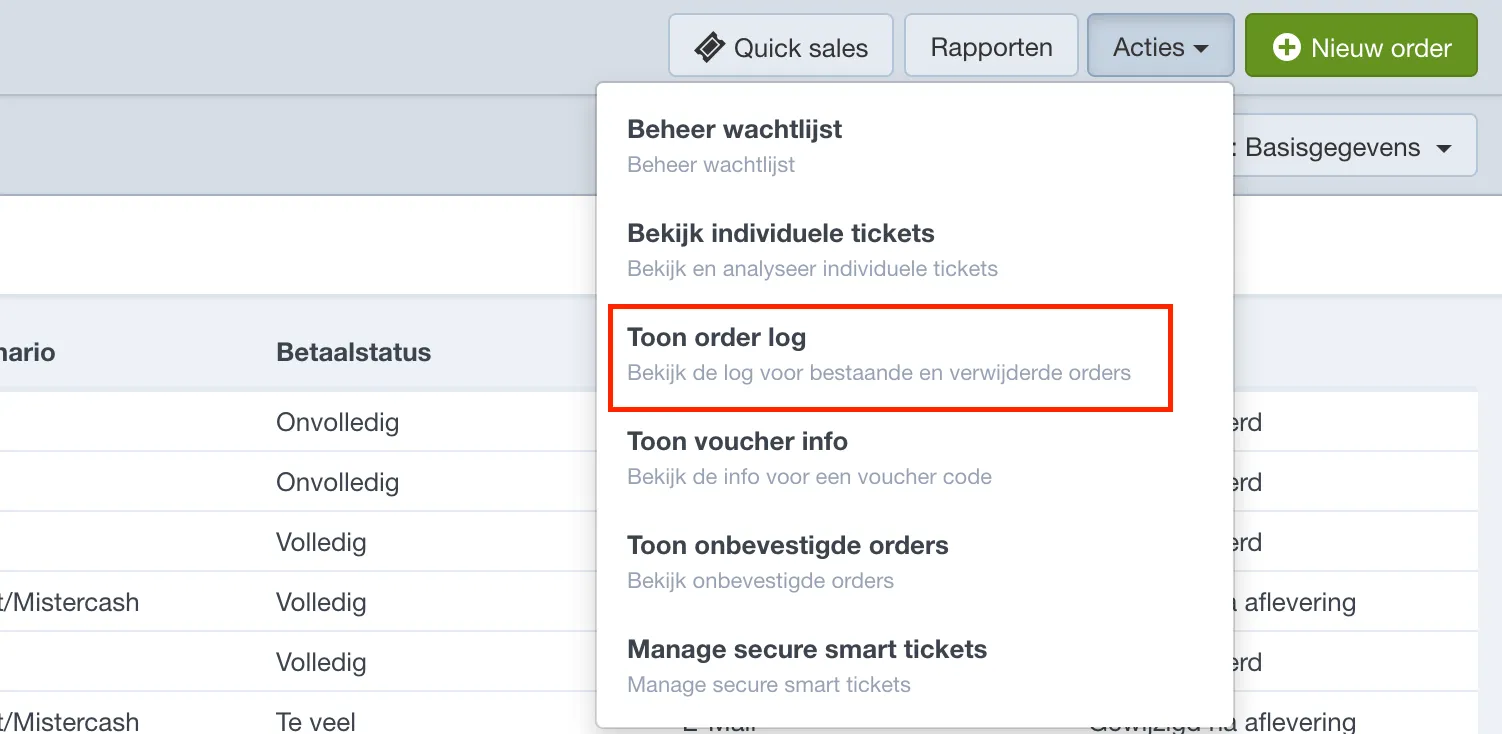
Then go to Orders → Actions → Show order log.
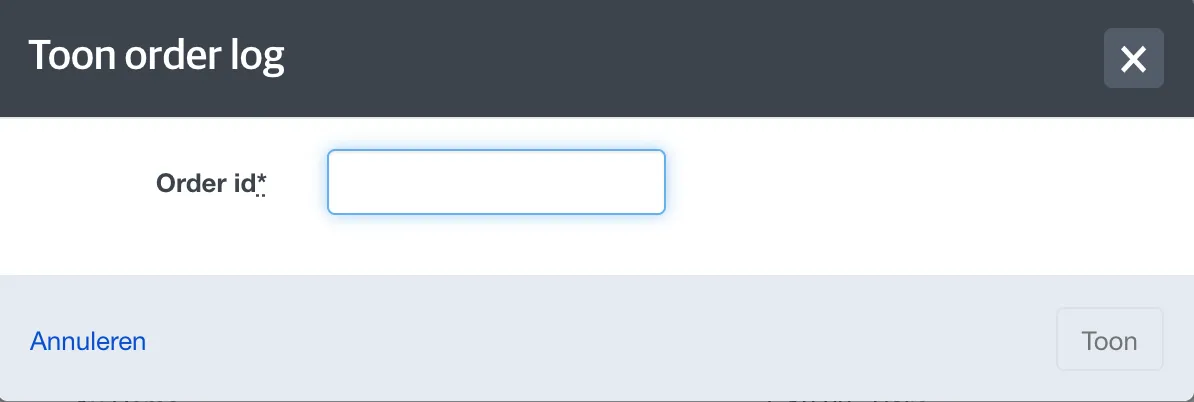
In the next screen, enter the order number of the deleted order.
The order log gives an overview of all actions and events that occurred for that order. The last action will indicate that the order was deleted. If you want to see which tickets were included, you can find that information in one of the earlier log entries.