Linking Organizations and Contacts
How do I link contacts to a specific organization and vice versa?
Adding Contacts to an Organization
To add contacts to an organization, go to the contact form of the organization.
Then, in the basic information section, you can link one or multiple contacts to it.
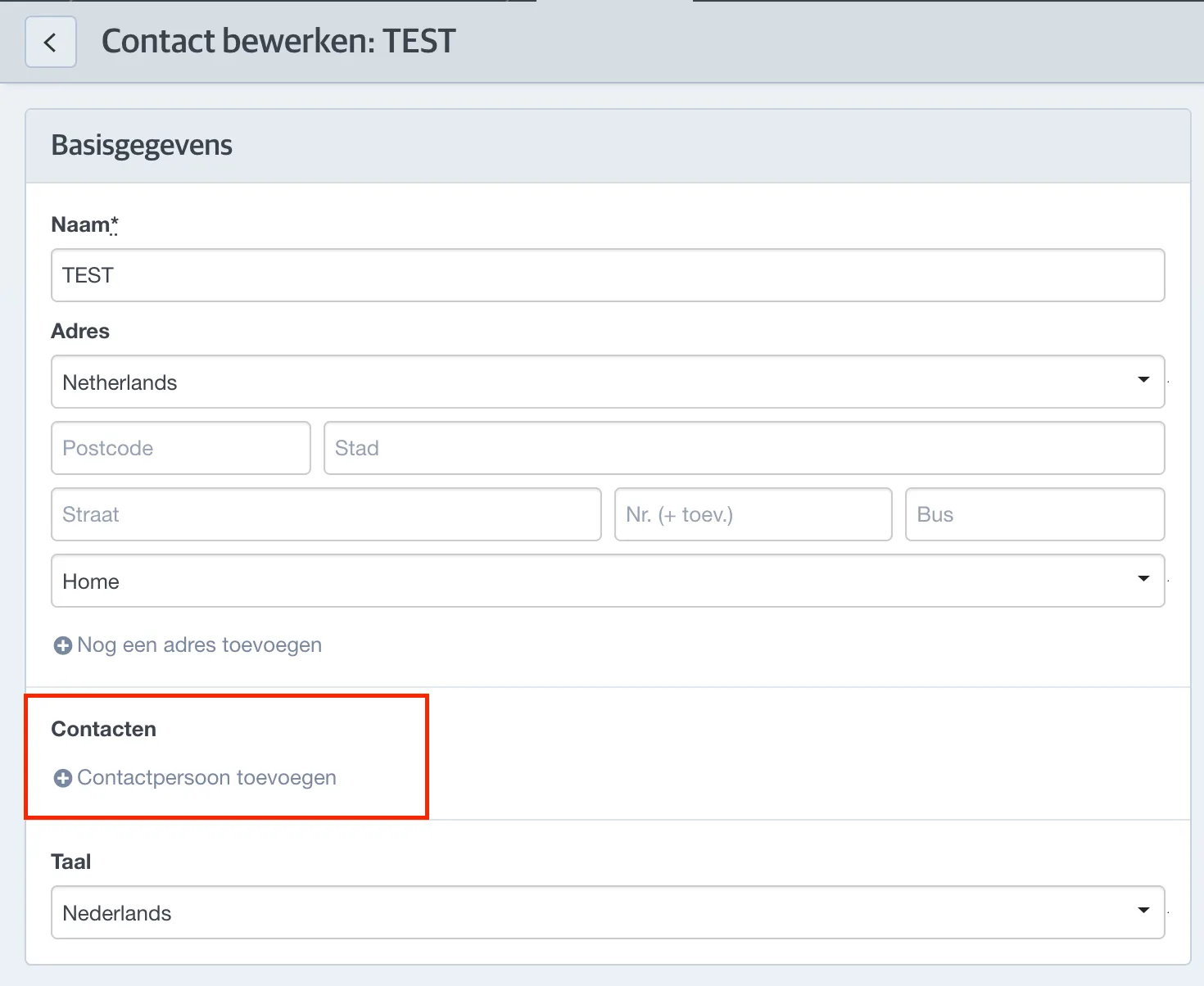
In the search bar, you will only be able to search for contacts, not organizations.
After adding the contacts, the system will automatically sort the linked contacts alphabetically.

Adding an Organization to a Contact
To add an organization to a contact, go to the contact form of the contact and add the organization in the basic information. It is not possible to add multiple organizations to one contact.
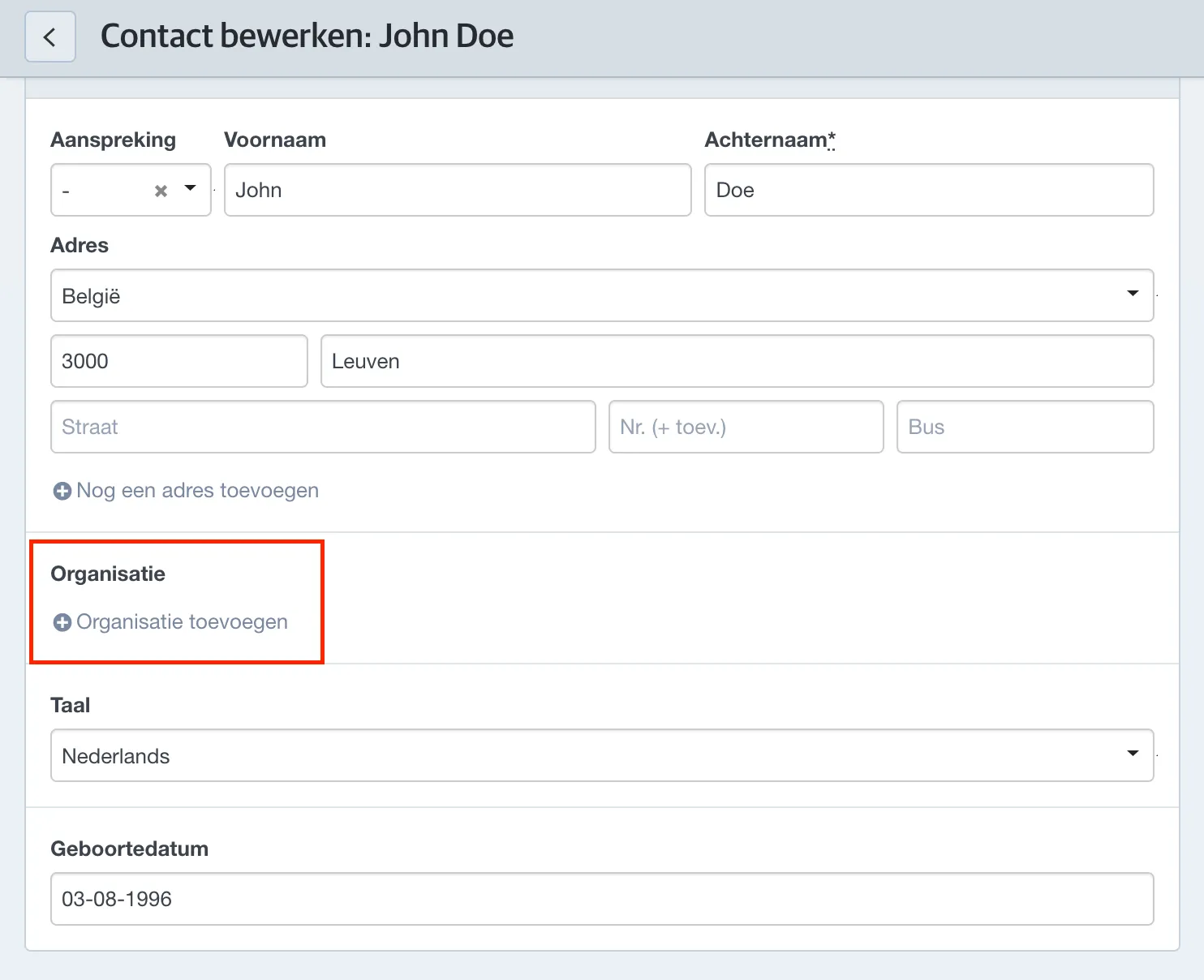
Here, in the search bar, you will only be able to search for organizations, not contacts.
If relationship types are linked to the organization, these will also be displayed in the basic information of the contact.