Refunding tickets
How can I (automatically) refund tickets?
In certain situations, such as event cancellations, ticket buyers will need to be refunded.
Depending on the payment provider you use, it is possible to carry out an automatic refund directly from Ticketmatic. This functionality is supported, for example, by Mollie and Worldline Ogone (Ingenico)
Refunding via Mollie
For all payments processed through Mollie, you can initiate an automatic refund from within ticketmatic.
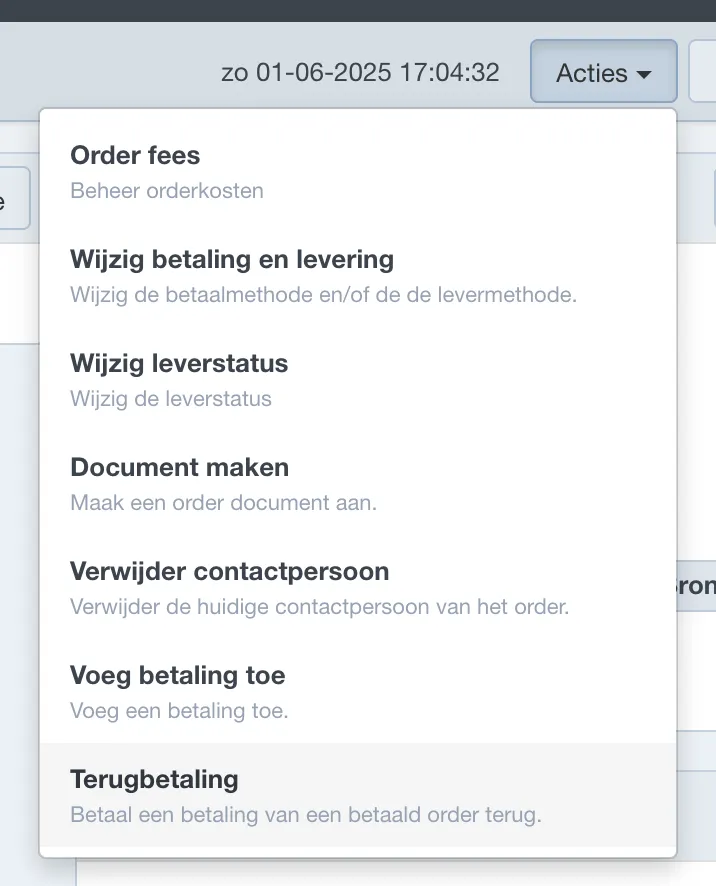
Open the order in ticketmatic and go to Actions → Refund.
In the next screen, enter the amount and select Automatic refund.
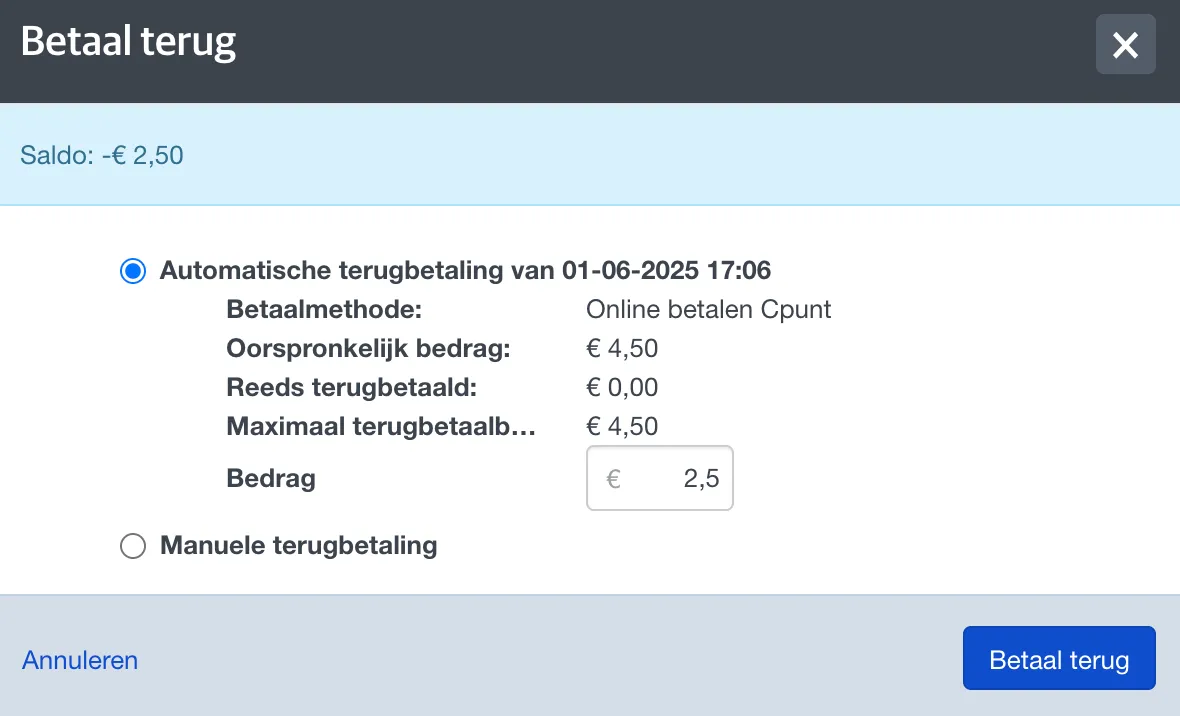
Once confirmed, the refund is processed immediately and the customer will receive the amount back in their account within a few days.
Other refunds
For payments processed via another platform or at the box office, automatic refunds via ticketmatic are not possible. In these cases, you need to perform a manual refund. Select the desired payment method and amount.
Refunds via Ingenico must be done directly from the payment provider’s dashboard. Afterwards, you must register the refund in ticketmatic using an internal payment method to keep the records accurate.