Worldline Ogone (version 2025)
Ticketmatic supports the new version of Worldline Ogone e-commerce. Below you can read how the payment method works and which options are available in your Ticketmatic account.
1. Customer screen
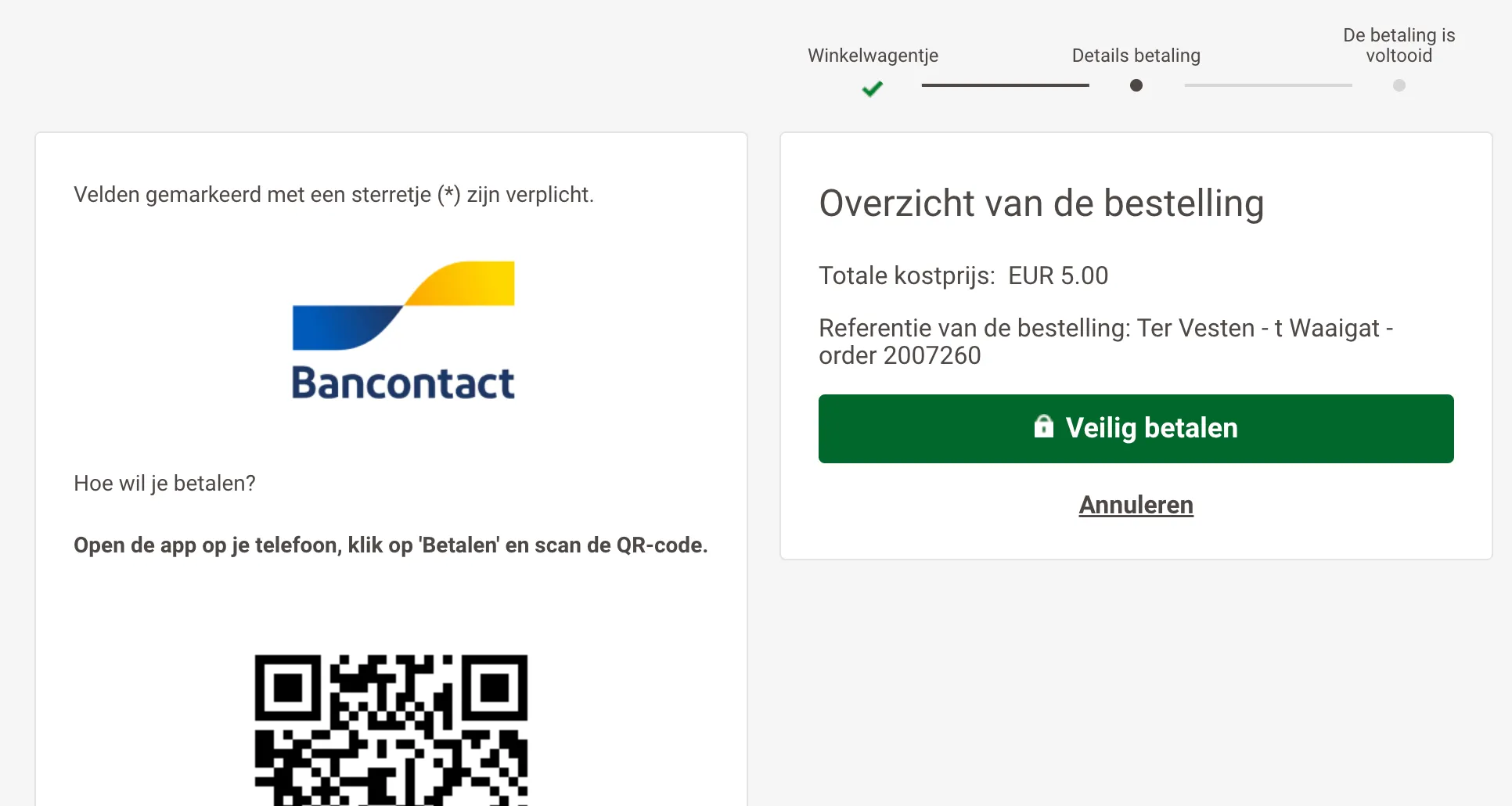
- Customers see a modern and user-friendly payment screen.
- The payment steps are clear and intuitive.
2. Credit card payments
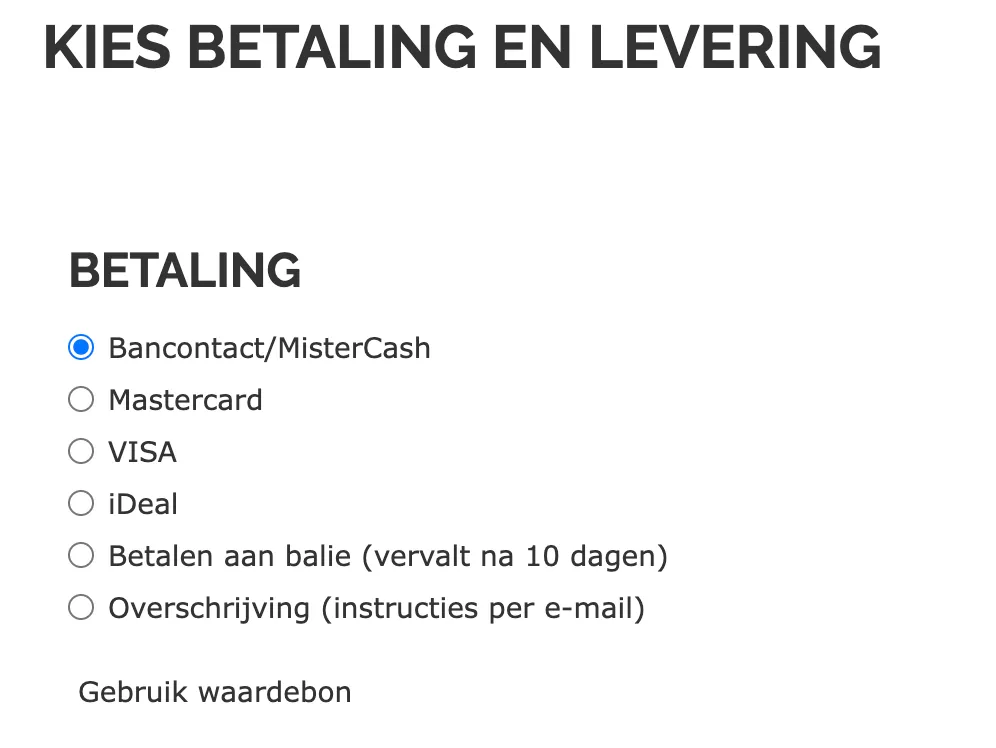
- Each credit card is offered as a separate payment method:
- VISA
- MasterCard
- The customer is redirected straight to the correct Ogone payment page.
3. Refunds
- Automatic refunds are possible directly from the order in Ticketmatic.
- If desired, you can also choose a manual refund.
- Refunds are only available for online payments via Ogone. Box office orders use the standard refund screen.
4. Transaction Logs
- Available for users with the Account Administrator role.
- You can find this under: Settings > Plugins > Wordline plugin > Transaction Logs.


- Here you can track the status of each transaction (paid, pending, refunded, ...)
5. Partial payments with culture vouchers
- It is possible to make partial payments using culture vouchers.
- Conditions:
- Activate the culture vouchers in your own Worldline Ogone account.