Pricing settings
How do I configure the prices for an event?
When creating an event, you can add prices in several ways:
- By using event-specific prices
- By combining a price list with event-specific prices
Do you often use the same prices for different events? Then use a price list. With a price list, you can link a fixed set of price types and prices to an event in a single action. Any changes to the price list will be applied to every linked event.
If the event requires different prices than those in your price lists, you can use event-specific prices.
If you always use the same set of price types but with different rates, it may be useful to create a zero price list. Add all required price types with a price of 0.
You can then convert the price list to event-specific prices in the event and add the correct rates. This way, you can easily add all required price types without having to set them up each time.
Linking a price list to an event
You link a price list to an event by going to the event's pricing settings and choosing Edit pricing configuration. Then select the desired price list to apply it to the event.
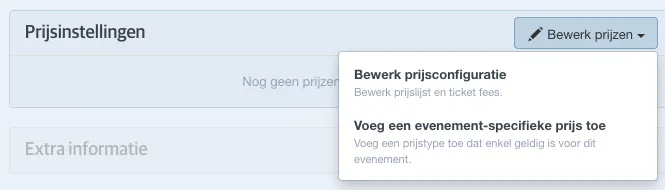
If pricing settings are linked to an event via a price list, you can only edit them by adjusting the price list. Please note that any changes made to a price list will be applied to all events to which that price list is linked.
Do you want to adjust prices for a single event only? Then first convert the price types to event-specific prices.
Adding event-specific prices
To add event-specific prices, select Add event specific price type in the pricing settings.
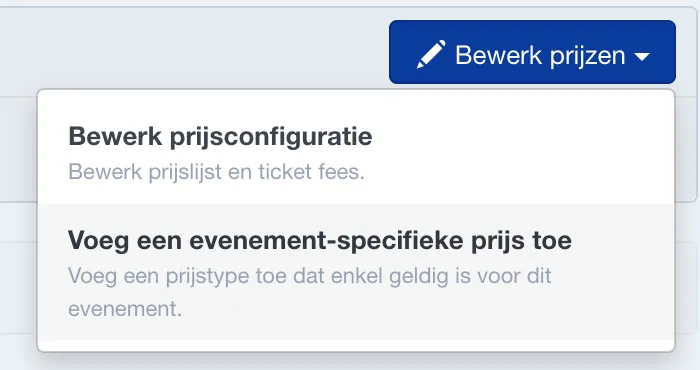
Next, choose the price type, optionally the category, the price, and the sales channels where this price type should be active.
Adding price conditions
With price conditions, you can refine the availability of a price type. When adding an event-specific price, you can select Add price conditions. Then choose from the available price conditions. You can add multiple price conditions to an event.
For more information about the various price conditions, see Price conditions.
Converting a price list to event-specific prices
If you want to make adjustments to the pricing for a specific event that uses a price list, you can convert the price list to event-specific prices and then make the desired changes.
Go to the pricing settings and click Edit --> Convert all prices to event specific prices.
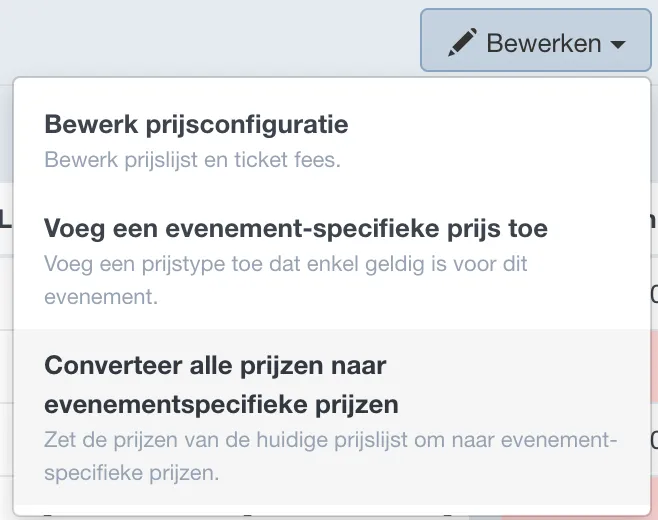
A pencil icon will appear next to each price type, allowing you to make changes specific to this event.
The price list is no longer linked to this event. As a result, changes to the price list will no longer be automatically applied to this event. You will have to adjust the pricing manually for these events.
Sorting price types
You can easily adjust the order in which price types are shown online.
For events with a price list, do this in the price list settings (or by converting the price types). For events with event-specific prices, do this in the event itself under pricing settings.
Click Edit --> Sort event specific prices.
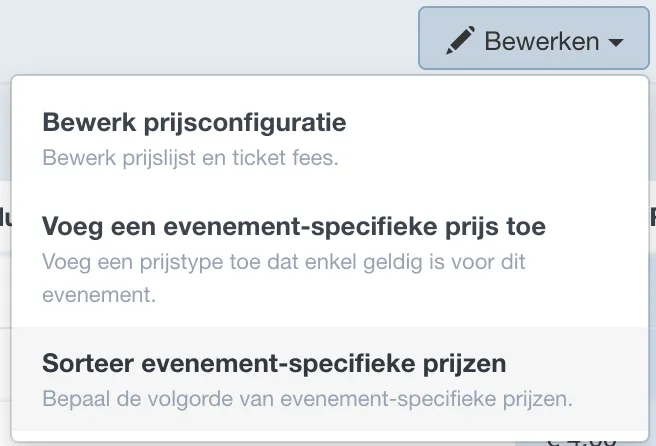
Drag and drop the desired price type to another position in the list. When finished, click Apply.